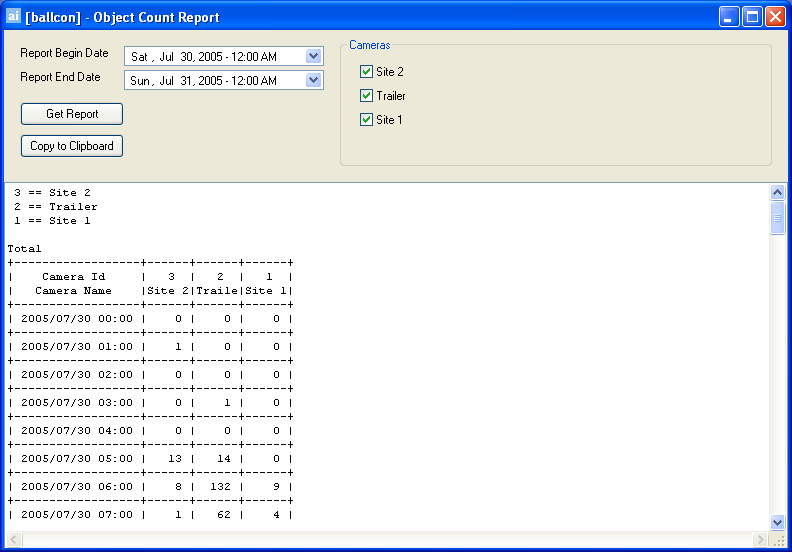
This is a default report which allows users to query the AIRA Server Database and generate a report on the number of objects detected per hour per camera. To access the Object Count Report dialog, click Search > Object Count Report.
The Object Count Report dialog opens.
Usage
|
|
Select a date range to perform the search. |
|
|
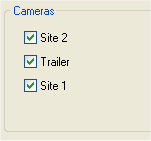
Select which cameras to search. |
|
|
Click Get Report to generate the report. |
|
|
Click Copy to Clipboard to Copy the report contents to your Clipboard, which can be pasted in another program for further analysis or manipulation. |
See Also