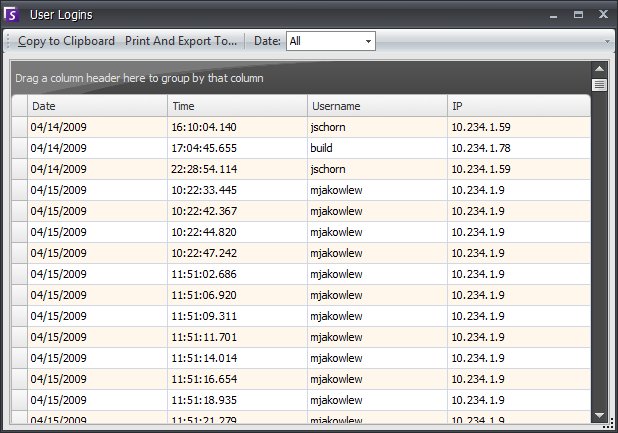
View Logins can be used to see who is accessing a Symphony server. To open the Logins interface, from Symphony Client select Server > View Logins.
Select Date to pick a day to view.
Select Copy to Clipboard to copy data to clipboard.
Select Print and Export to export data and select the format of the data (.txt, .xls, .xml, html)
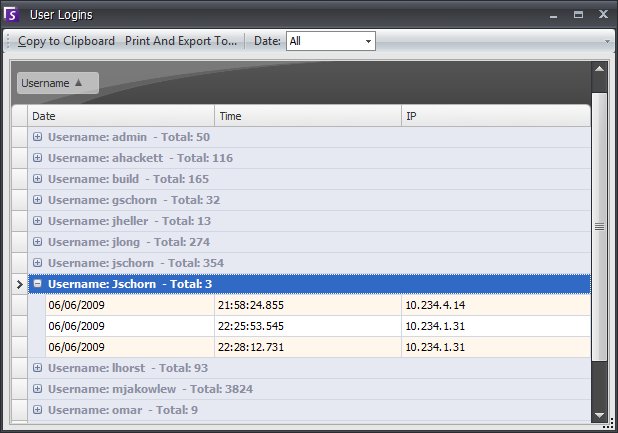
To group by a column header, drag column header to top.
See Also