Overview
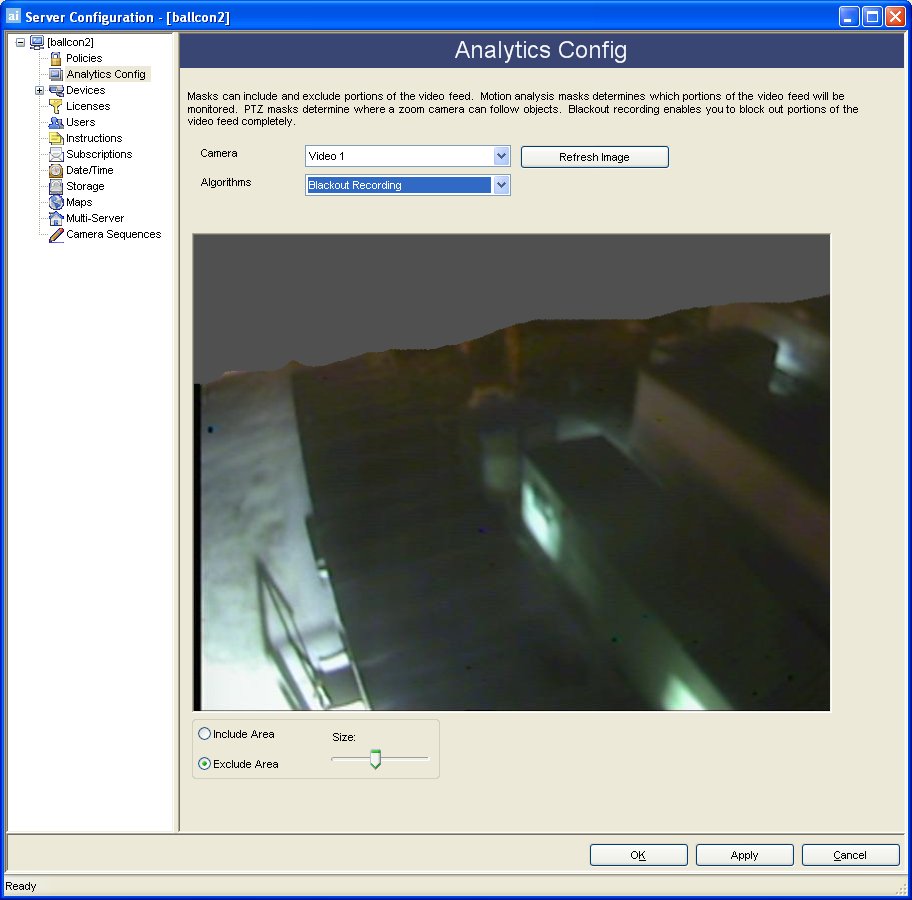
Blackout Recording is set if part of the video is to be omitted from recording for privacy reasons. Blackout recording is useful in scenes where privacy or part of the image should not be recorded. Examples may include a neighboring property or the key pad of a ATM Machine.
Working Scenarios
The Blackout Recording functionality only works if AIRA is recording video through a capture board in the PC. When recording video from a network device, you are required to configure any blackout recording functionality on that device or switch the codec to "aira".
Blackout Mask Configuration Steps
By selecting Blackout Recording from the algorithms combo box, select certain areas which should not be recorded. This could be in front of a cash register, and you do not wish to record people's pin numbers. Simply mark the area(s) on the camera you want excluded from recording by clicking the Include Area radio button and marking the image. Clicking the Exclude Area radio erases the blackout recording mask. The Size slider adjusts the pen thickness.